What are Floating licenses
Floating Licenses can be shared between multiple users on a first-come, first-served basis and do not need to be assigned to a specific individual user.
They are ideal for creating a license pool that can be used by multiple users who do not require permanent, dedicated access to our products.
Sharing can be set up in one of two ways:
Cloud Licensing (recommended): The administrator shares a pool of Floating licenses with the users within the organization. When they log in with their Chaos account, they can use the licenses via the cloud from any location. You can read how to set this up in the next section.
Remote Licensing (via Network): The administrator installs the Chaos License Server on a centrally accessible machine within the company network. Users must configure their Chaos product to connect to this License Server to access a license.
Using Floating via the Cloud
Your organization’s administrator needs to add you to the organization in My Chaos. Once you have been added, you will receive a confirmation via email. If you don't have a Chaos account yet, you can create one using the link in the invitation email.
As soon as Floating License Sharing is enabled for the organization, any user within the organization can use the shared licenses. You do this by installing the Chaos product with all default installation options and then logging into the product with your Chaos account.
Activate license
- Proceed with default installation.
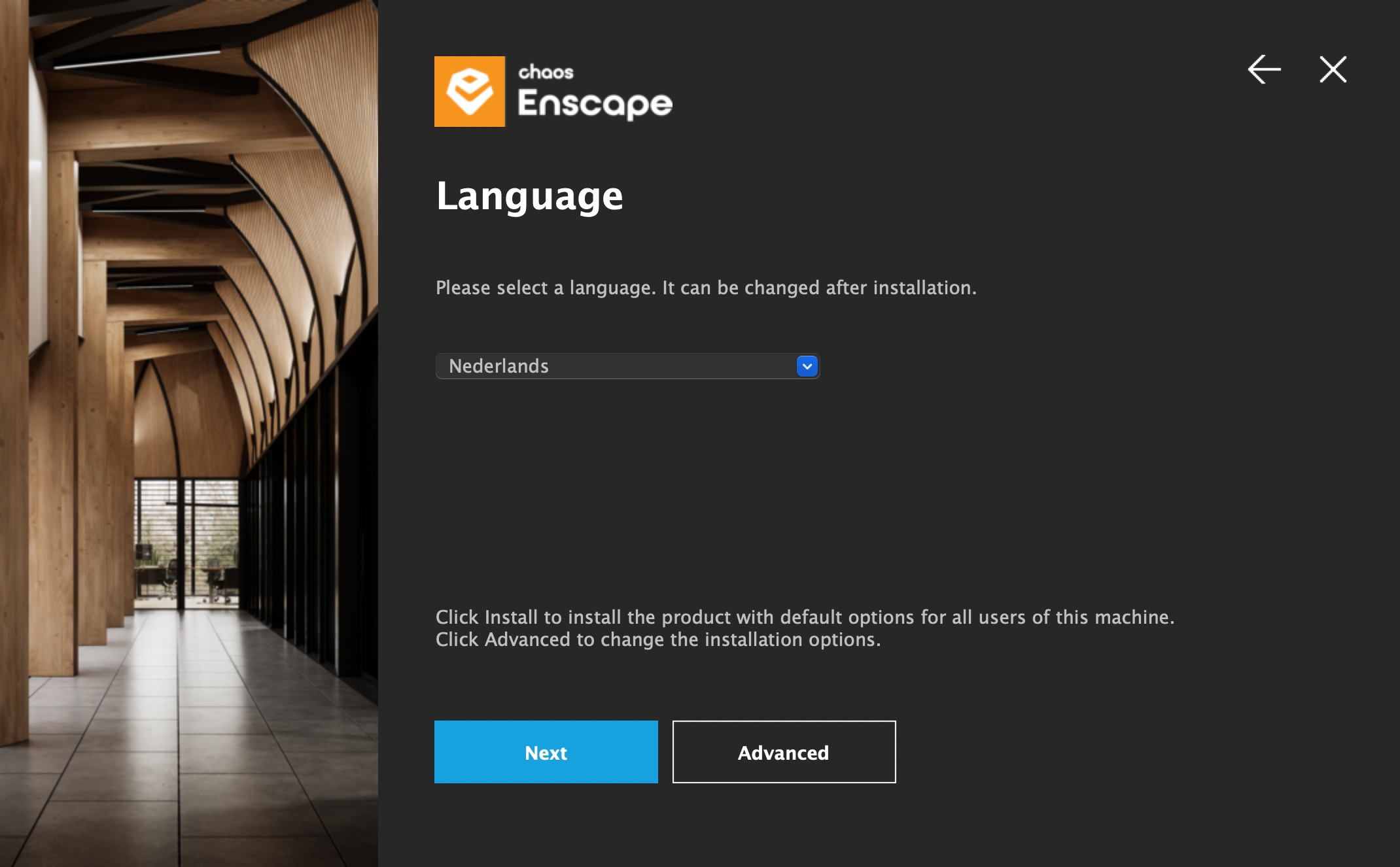 Chooses install(Cloud recommended) or Use License Server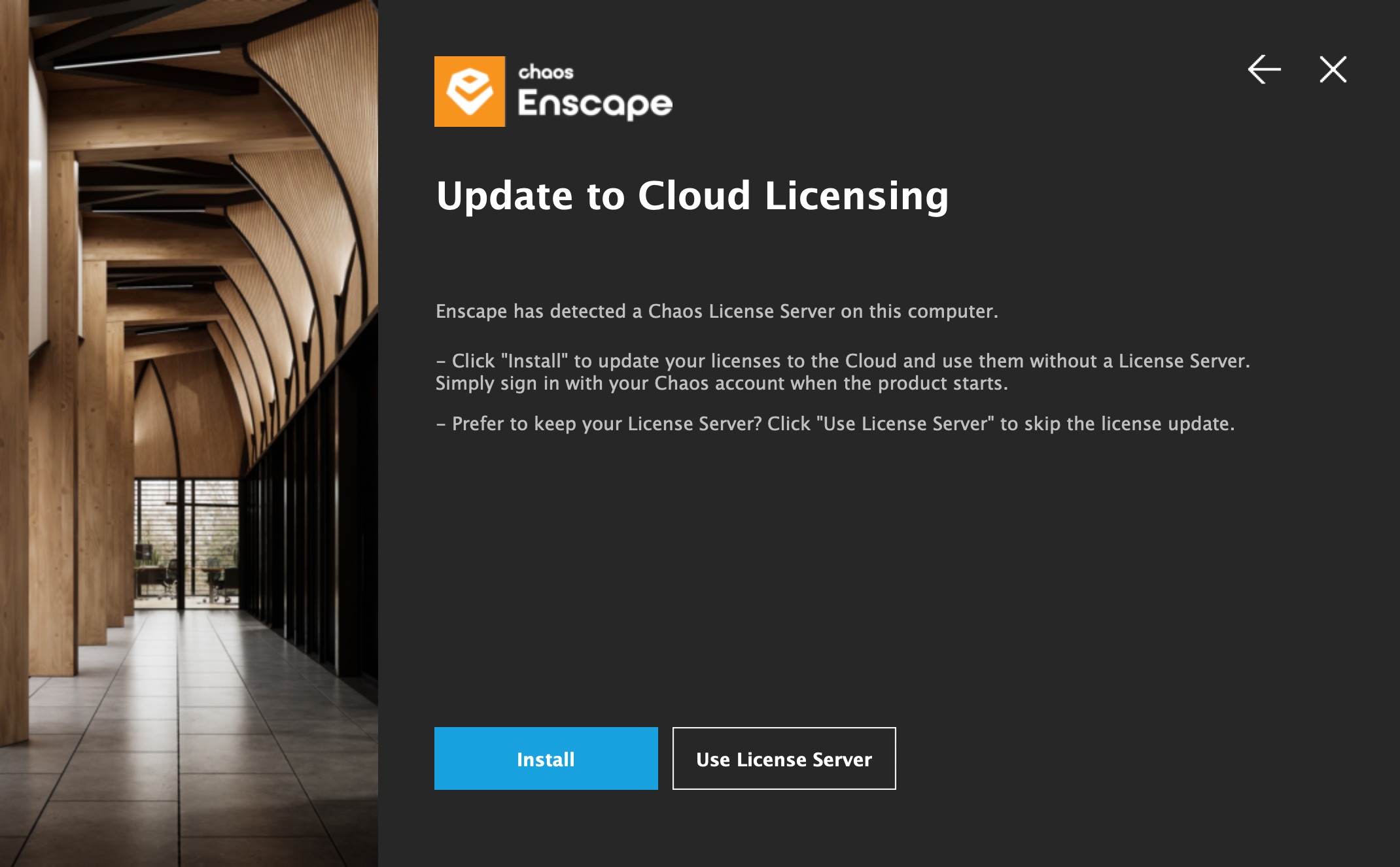
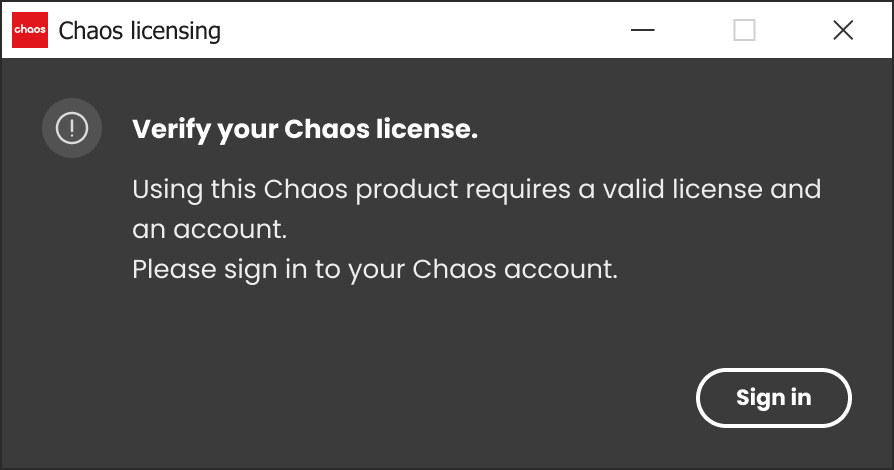
- If you are not logged in, you will be prompted to log in to activate your product.
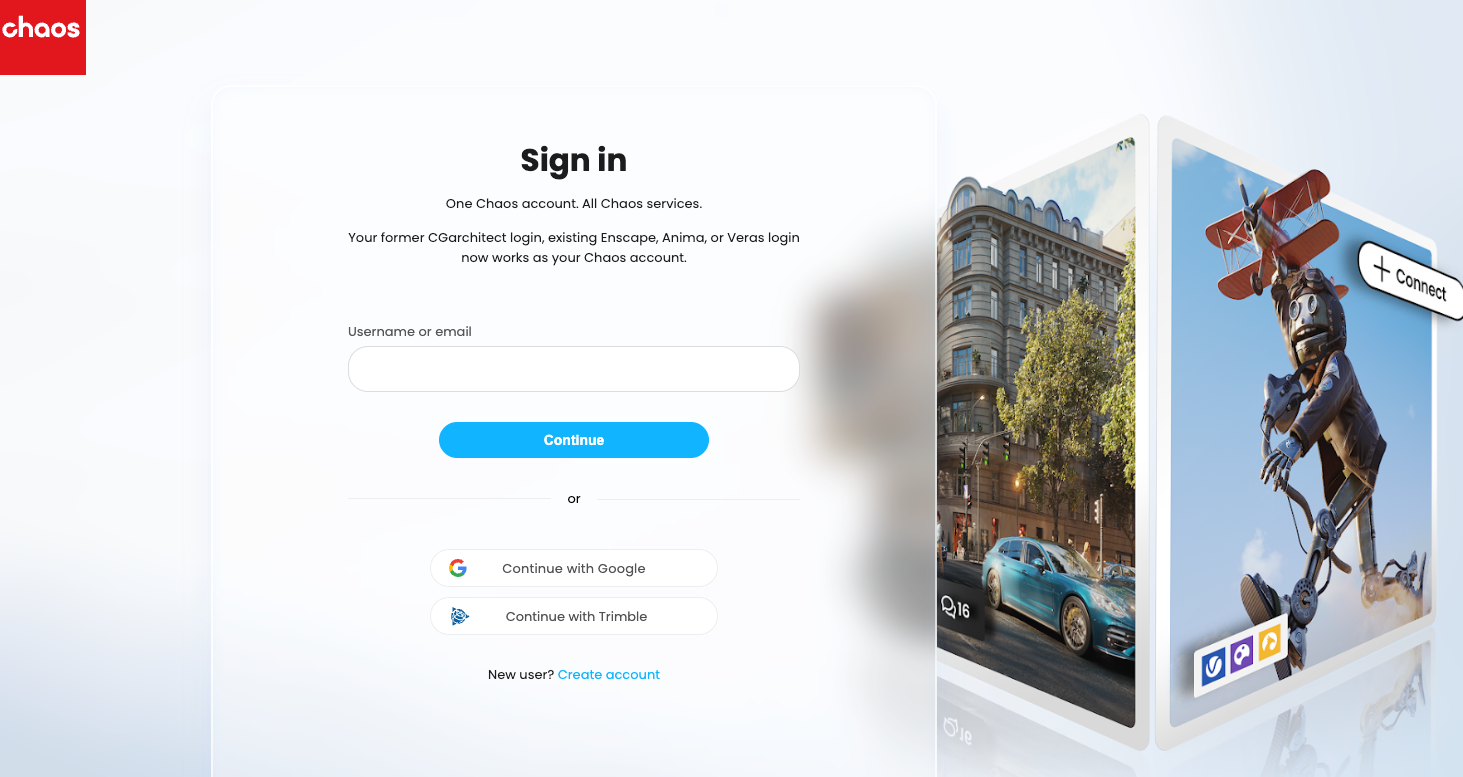
- Enter your account details—use your Chaos account or create a new one if you don't have one yet.
- Once successfully logged in, you can use your Chaos products. The license does not need to be assigned to a specific user. Example Named vs Floating
How to add users adding users or adding license. or allocating a license (often only by named)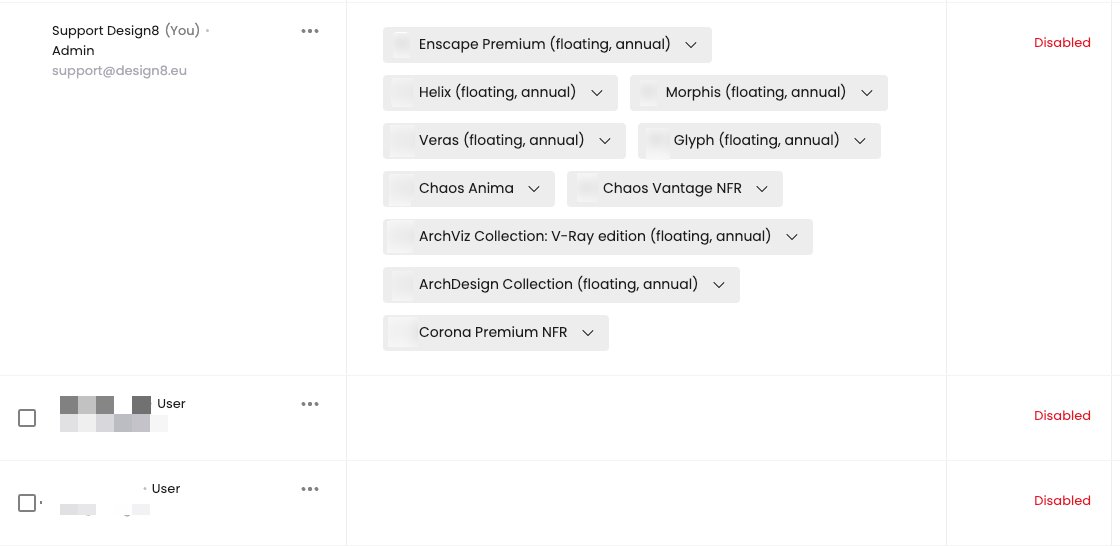
Was this article helpful?
That’s Great!
Thank you for your feedback
Sorry! We couldn't be helpful
Thank you for your feedback
Feedback sent
We appreciate your effort and will try to fix the article